Choose your screen
Connect both devices to the same network and open the remote device selector. If discovery is blocked, enter the IP address and port within the app.
 My account ↗ES
CHOOSE YOUR SCREEN
Shared remote in preparation for Ultra8K Latino and Auto. Full version 1.6 compatibility still requires validation.
Check availability ↗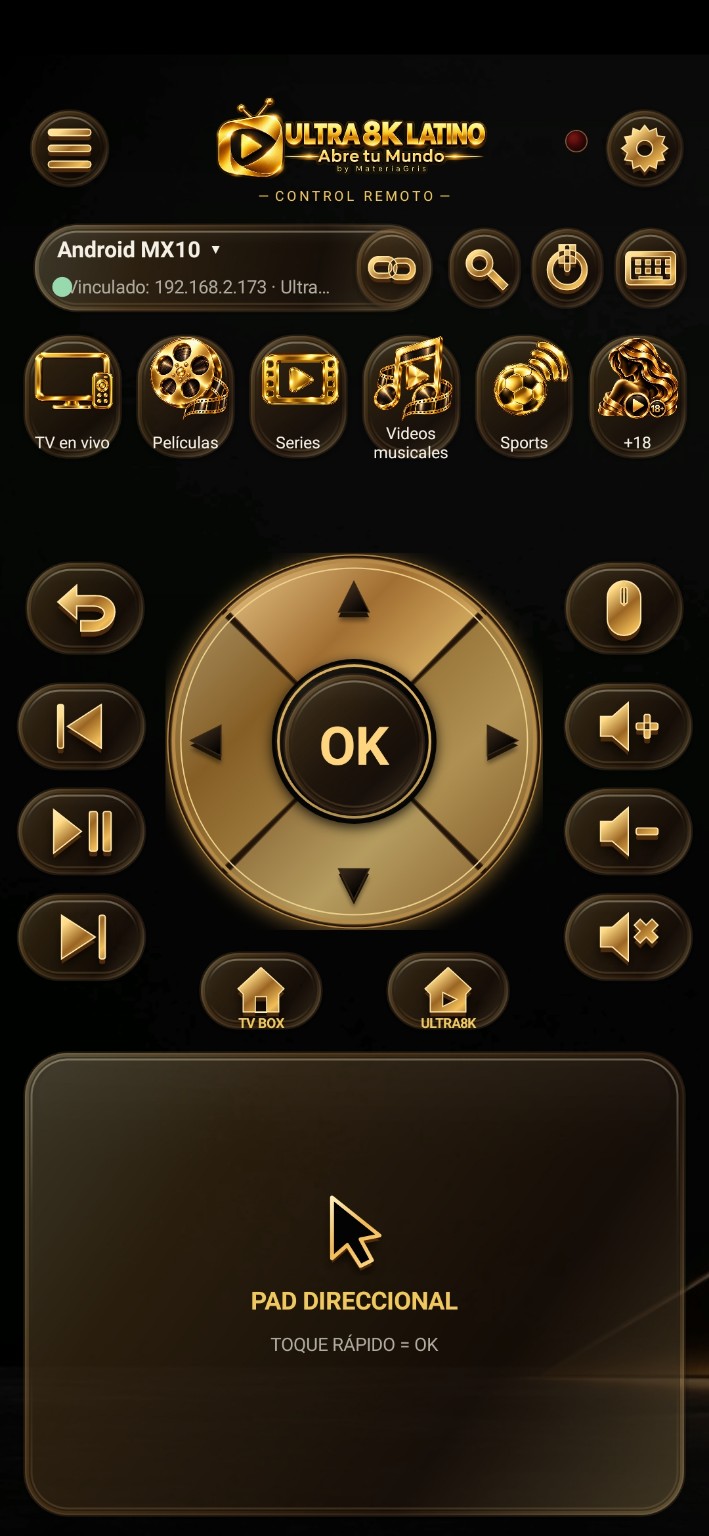
Connect both devices to the same network and open the remote device selector. If discovery is blocked, enter the IP address and port within the app.
In Auto, tap VINCULAR CR 8K. Enter the temporary PIN in the remote or use the pairing QR.
DESCARGAR CR PREMIUM 8K opens the download only. Temporary pairing and installation QR codes appear in separate sections.
Android 6.0 or later for the remote phone. A compatible Ultra8K receiver on the same Wi-Fi network or hotspot. Some routers isolate clients.
In Auto, the remote acts within Ultra8K. Global TV Box actions depend on Accessibility in a compatible receiver. Global Auto control is not advertised.
The final edition keeps com.ultra8k.remote.premiumtest as its technical identifier. If the previous remote has a different certificate, an initial reinstallation is required.
See pairing instructions →